Step 4: Edit, Enhance & Restore
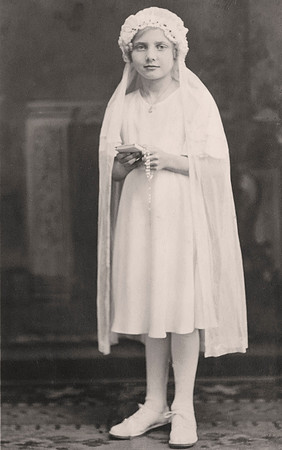
Apply a Sepia Filter
Select the Image menu, Adjustments, Photo Filter… Select Sepia from the pull down options. The slider can be adjusted to enhance the filter if desired.
Copyright © 2022 by MB Boutiques, all rights reserved.